

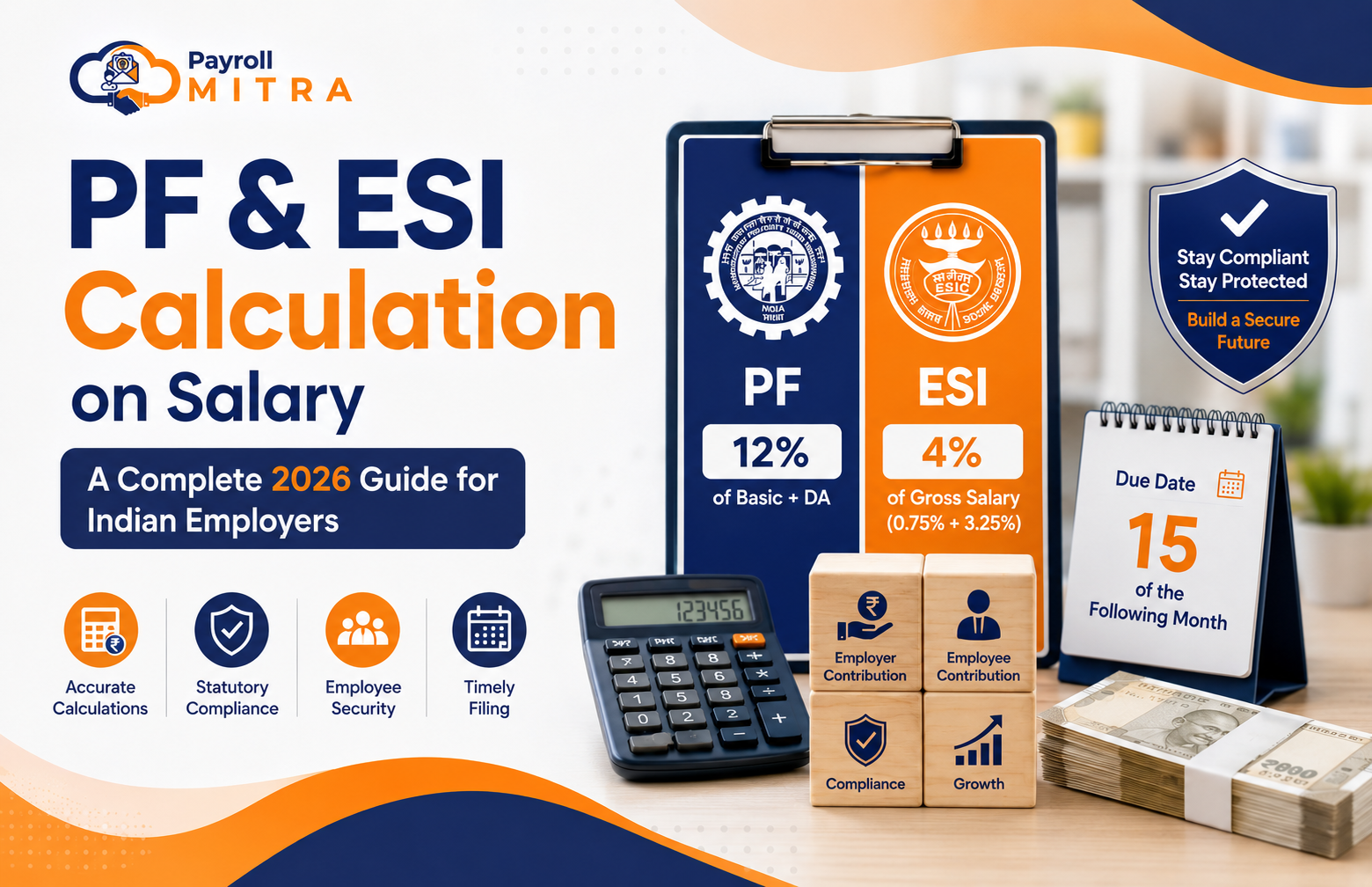
Payroll compliance is a critical responsibility for every employer in India, and Provident Fund (PF) and Employee State Insurance (ESI) are two of the most important statutory contributions that businesses must calculate accurately every month. Incorrect calculations can lead to compliance notices, penalties, payroll errors, and employee dissatisfaction.
With India’s evolving payroll regulations and Labour Code framework, HR teams and business owners need a clear understanding of how PF and ESI are calculated, who is eligible, applicable wage limits, and the latest contribution rates. Managing these calculations manually can become challenging, especially as your workforce grows.
In this guide, you’ll learn the latest PF and ESI calculation rules for 2026, practical salary examples, statutory contribution formulas, and how Payroll Mitra Payroll Software automatically calculates PF and ESI to help businesses process payroll accurately and stay compliant.
Table of Contents
- PF and ESI at a Glance
- What is a Provident Fund (PF)?
- What is Employee State Insurance (ESI)?
- PF Calculation: Rates and Rules for 2026
- ESI Calculation: Rates and Rules for 2026
- What Changed Under the Labour Codes?
- Statutory Due Dates for PF and ESI
- Common PF and ESI Calculation Mistakes
- Automatically Calculate PF and ESI with Payroll Mitra
- Why Businesses Choose Payroll Mitra
- Manual Payroll vs Payroll Mitra
- Why Payroll Automation Matters
- Conclusion
PF and ESI at a Glance
| Particular | Provident Fund (PF) | Employee State Insurance (ESI) |
| Employee Contribution | 12% | 0.75% |
| Employer Contribution | 12% | 3.25% |
| Salary Limit | ₹15,000 (Mandatory Wage Ceiling) | ₹21,000 Gross Salary |
| Calculated On | Basic Salary + Dearness Allowance | Gross Salary |
| Applicable To | Establishments with 20+ Employees | Establishments with 10+ Employees (20+ in some states) |
| Due Date | 15th of the Following Month | 15th of the Following Month |
What is a Provident Fund (PF)?
Provident Fund (PF) is a government-backed retirement savings scheme managed by the Employees Provident Fund Organisation (EPFO). Under this scheme, both the employer and employee contribute a fixed percentage of the employee’s salary every month. These contributions help employees build long-term financial security and can be withdrawn under eligible conditions such as retirement, resignation, or specific financial needs.
For most organisations with 20 or more employees, PF registration and contributions are mandatory under the applicable rules.
What is Employee State Insurance (ESI)?
Employee State Insurance (ESI) is a statutory social security scheme administered by the Employees State Insurance Corporation (ESIC). It provides eligible employees and their dependents with benefits such as medical care, sickness benefits, maternity benefits, disability compensation, and other social security support.
Unlike PF, ESI is calculated on an employee’s gross salary and generally applies to employees earning up to ₹21,000 per month (₹25,000 for employees with disabilities).
PF Calculation: Rates and Rules for 2026
Understanding the PF calculation formula is essential for every employer to ensure accurate payroll processing and statutory compliance.
PF Contribution Rate
Both the employer and employee contribute 12% of Basic Salary plus Dearness Allowance (DA) every month.
- Employee Contribution: 12%
- Employer Contribution: 12%
Out of the employer’s 12% contribution:
- 8.33% is contributed towards the Employees’ Pension Scheme (EPS) (subject to applicable limits).
- The remaining balance is credited to the employee’s EPF account.
PF Wage Ceiling
Mandatory PF contributions are calculated on wages up to ₹15,000 per month. Employers may voluntarily contribute to higher wages if permitted under their payroll policy.
PF Applicability
PF registration is generally mandatory for establishments employing 20 or more employees. Employees earning above the statutory wage ceiling may also continue PF contributions based on employer policy and applicable regulations.
PF Calculation Formula
Employee PF = (Basic Salary + Dearness Allowance) × 12%
Employer PF = (Basic Salary + Dearness Allowance) × 12%
PF Calculation Example
Assume an employee has the following salary structure:
| Salary Component | Amount |
| Basic Salary + DA | ₹18,000 |
| Applicable PF Wage | ₹15,000 |
| Employee PF (12%) | ₹1,800 |
| Employer PF (12%) | ₹1,800 |
Although the employee’s Basic Salary plus DA is ₹18,000, the mandatory PF contribution is calculated on the statutory wage ceiling of ₹15,000, unless the employer voluntarily contributes on the full salary.
ESI Calculation: Rates and Rules for 2026
Employee State Insurance (ESI) is a statutory social security scheme that provides medical and financial benefits to eligible employees and their families. To ensure compliance, employers must calculate and deposit ESI contributions accurately every month.
ESI Contribution Rate
ESI contributions are shared by both the employee and the employer.
- Employee Contribution: 0.75% of Gross Salary
- Employer Contribution: 3.25% of Gross Salary
- Total Contribution: 4.00% of Gross Salary
Unlike PF, ESI is calculated on an employee’s gross salary, not just Basic Salary and Dearness Allowance.
ESI Wage Limit
ESI generally applies to employees earning up to ₹21,000 per month in gross wages. For employees with disabilities, the wage limit is ₹25,000 per month.
ESI Applicability
ESI registration is generally mandatory for:
- Factories and establishments employing 10 or more employees.
- In some states, shops and commercial establishments may be covered only after employing 20 or more employees, depending on state-specific regulations.
Daily Wage Exemption
Employees earning up to ₹176 per day are exempt from paying their 0.75% employee contribution. However, employers must still contribute 3.25% on their behalf.
ESI Calculation Formula
Employee ESI = Gross Salary × 0.75%
Employer ESI = Gross Salary × 3.25%
ESI Calculation Example
Assume an employee earns a Gross Salary of ₹20,000 per month.
| Salary Component | Amount |
| Gross Salary | ₹20,000 |
| Employee ESI (0.75%) | ₹150 |
| Employer ESI (3.25%) | ₹650 |
| Total Monthly ESI Contribution | ₹800 |
If an employee’s salary increases beyond ₹21,000 during an active contribution period, ESI coverage generally continues until the end of that contribution period, as per applicable ESIC rules.
What Changed Under the Labour Codes?
India’s Labour Code framework has introduced a broader definition of “wages”, which affects the calculation of several statutory benefits and payroll components.
Some of the key changes employers should understand include:
- Basic Pay and Dearness Allowance should generally make up at least 50% of an employee’s total remuneration.
- If allowances such as HRA, conveyance allowance, or special allowance exceed the prescribed limit, a portion of those allowances may be treated as wages for statutory calculations.
- Businesses with allowance-heavy salary structures may need to review and redesign employee compensation to remain compliant.
- The mandatory PF wage ceiling of ₹15,000 continues to remain unchanged, while ESI eligibility is still determined based on the applicable wage ceiling.
As payroll regulations continue to evolve, employers should regularly review salary structures and stay updated with official statutory notifications.
Statutory Due Dates
Both PF and ESI contributions must be deposited on or before the 15th of the following month.
| Compliance Requirement | Timeline |
| PF Contribution Deposit | 15th of the Following Month |
| ESI Contribution Deposit | 15th of the Following Month |
| Interest on Delayed Payment | Applicable as per statutory rules |
| Damages for Non-Compliance | May apply depending on the period of delay |
Missing statutory deadlines can result in interest, penalties, and unnecessary compliance issues. Processing payroll on time is essential for avoiding these risks.
Common PF and ESI Calculation Mistakes
Even experienced HR and payroll teams can make mistakes when payroll is managed manually. Some of the most common errors include:
- Calculating ESI on Basic Salary instead of Gross Salary.
- Applying incorrect PF wage limits or contribution rates.
- Missing monthly statutory due dates.
- Ignoring eligible contracts or temporary employees.
- Using outdated payroll formulas after regulatory changes.
- Managing payroll entirely through Excel spreadsheets, increasing the risk of manual errors.
Regularly reviewing payroll processes and using automated payroll software can significantly reduce these errors while improving compliance accuracy.
Automatically Calculate PF and ESI with Payroll Mitra
As your business grows, managing payroll manually becomes increasingly difficult. Calculating PF and ESI for every employee, applying the latest statutory rules, maintaining payroll records, and meeting monthly compliance deadlines can consume significant HR and finance resources.
Payroll Mitra Payroll Software simplifies this entire process by automatically calculating statutory deductions and helping businesses process payroll accurately, quickly, and in compliance with the latest regulations.
Instead of maintaining complex Excel formulas or manually updating contribution rates every time regulations change, Payroll Mitra performs payroll calculations automatically based on each employee’s salary structure, attendance, leave records, and statutory eligibility.
How Payroll Mitra Simplifies Payroll Processing
Payroll Mitra automatically:
- Calculates Employee PF and Employer PF contributions.
- Calculates Employee ESI and Employer ESI contributions.
- Applies the latest statutory contribution rates and wage limits.
- Validates employee eligibility for PF and ESI.
- Calculates salaries based on attendance, leave, overtime, and shift data.
- Generates salary slips with accurate statutory deductions.
- Creates payroll registers and compliance-ready reports.
- Supports bank transfer file generation for salary disbursement.
- Maintains payroll records securely in one centralized platform.
With automation handling repetitive payroll tasks, HR teams can spend less time on calculations and more time focusing on employees and business growth.
Why Businesses Choose Payroll Mitra
Whether you’re running a startup, SME, or growing business, Payroll Mitra is designed to make payroll processing simpler, faster, and more accurate.
Key Benefits
- Automatic PF & ESI Calculations based on the latest statutory rules.
- Error-Free Payroll Processing by eliminating manual calculations.
- Attendance & Leave Integration for accurate salary computation.
- One-Click Payslip Generation for every employee.
- Compliance-Ready Reports for statutory filings and audits.
- Centralized Employee Records with secure cloud access.
- Reduced Payroll Processing Time through automation.
- Easy-to-Use Dashboard for HR and payroll teams.
Manual Payroll vs Payroll Mitra
| Manual Payroll Process | Payroll Mitra Payroll Software |
| Manual PF calculations | Automatic PF calculation |
| Manual ESI calculations | Automatic ESI calculation |
| Excel formulas and spreadsheets | Cloud-based automated payroll |
| Manual salary processing | One-click payroll processing |
| Manual payslip creation | Automatic payslip generation |
| Manual compliance tracking | Compliance-ready payroll reports |
| Higher chances of calculation errors | Improved payroll accuracy |
| Time-consuming monthly process | Faster and more efficient payroll |
Why Payroll Automation Matters
Payroll regulations continue to evolve, making manual payroll management increasingly complex. Every change in statutory contribution rates, wage definitions, or compliance requirements adds another layer of responsibility for HR and finance teams.
Automating payroll helps businesses:
- Reduce manual errors.
- Save valuable HR and payroll time.
- Improve payroll accuracy.
- Stay updated with changing statutory requirements.
- Maintain better compliance records.
- Deliver salaries on time, every month.
For businesses processing payroll every month, automation isn’t just about convenience—it helps create a more reliable and efficient payroll process.
Conclusion
Accurate PF and ESI calculations are essential for every Indian employer to ensure statutory compliance, timely salary processing, and employee trust. As payroll regulations continue to evolve, relying on manual calculations and spreadsheets increases the risk of errors, delays, and compliance issues.
Automating payroll not only improves accuracy but also saves valuable time for HR and finance teams. With Payroll Mitra Payroll Software, businesses can automatically calculate PF and ESI, process salaries faster, generate payslips, maintain compliance-ready records, and reduce manual payroll effort.
Whether you’re a startup, SME, or growing organization, Payroll Mitra helps simplify payroll management so you can focus on growing your business instead of managing complex statutory calculations.
Ready to simplify payroll? Start your free Payroll Mitra demo today and experience accurate, automated, and compliant payroll processing.